If you’re sending push notifications to your audience, you must have come across the term ‘opt-in rate’. Opt-in rate, simply put, is the percentage of users who agree to receive push notifications after being prompted.. If your opt-in rate is high, more people have agreed to receive your notifications.
If your opt-in rate is low, your notifications won’t reach many users; even if you create great content. Whether on the web or mobile apps, the opt-in rate directly impacts how effectively you can engage and retain users through timely alerts.
For news and media publishers, this metric is particularly critical. Industry data shows that the average web push notifications typically see opt-in rates between 5–10%, while app push notifications see a much higher opt-in rate, depending on device OS.

This is primarily because Android subscribes the users to push notifications by default, whereas on iOS users are prompted to choose whether they want to opt-in for push notifications even before they have opened the app for the first time. Hence, most iOS users choose to opt out of notifications to avoid spam.
There are various ways how publishers can improve their opt-in rates, even on iOS devices. But first let’s understand how opt-in actually works on both, android and iOS.
How Does Web Push Notification Opt-in Work?
Web push notifications rely on browser permissions. When a user visits your site, the browser (like Chrome, Firefox, or Safari) can display a native prompt asking whether they want to allow notifications. If the user clicks “Allow,” they’re added to your subscriber base and can now receive push notifications.
Globally, the average web push opt-in rate for media websites hovers between 7% and 15%, depending on factors like geography, browser type, and audience segment.
How Does App Push Notification Opt-in Work?

App push notifications work differently. On Android, the experience is generally smoother for users and publishers alike. Most Android versions grant push notification permissions by default, meaning apps can send notifications as soon as they’re installed, unless users manually turn them off. Because of this permissive setup, opt-in rates tend to be quite high.
However, users might disable notifications after installation if they find them irrelevant or intrusive. So, while the opt-in rate is high upfront, it might decline depending on the quality and frequency of the notifications you sent.
Apple’s iOS takes a stricter approach. Apps must explicitly request push permission from users via a system prompt. This prompt appears soon after or during app onboarding but users can deny the request outright, leading to significantly lower opt-in rates of around 44% compared to Android users at 91% opt-in rate.
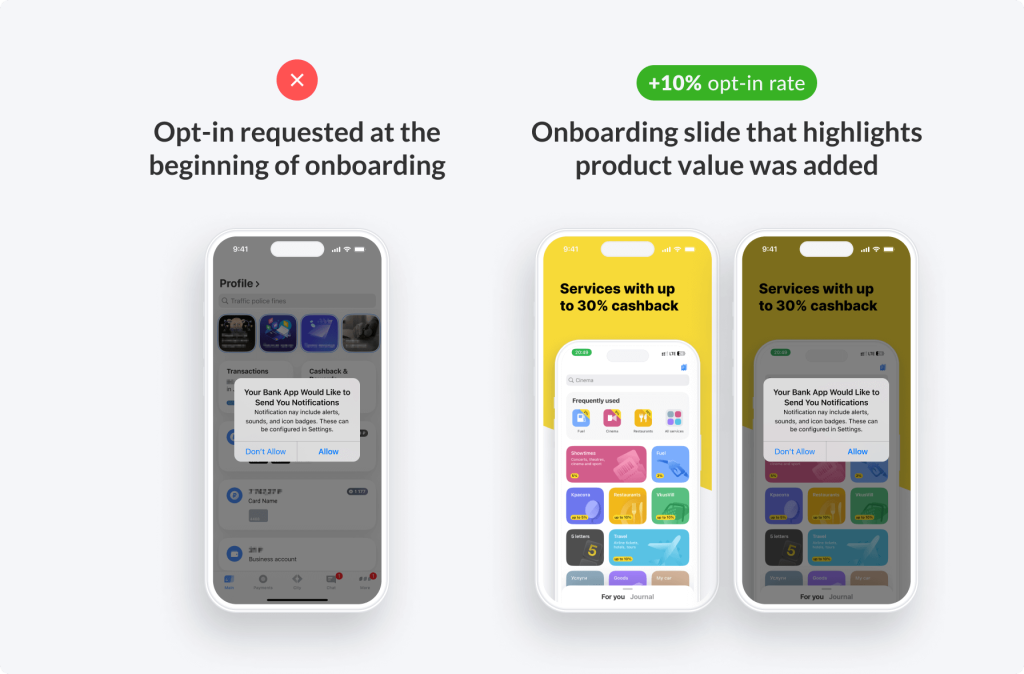
To combat this, publishers that set up a custom pre-permission screen that explains the value, for example, “Get breaking news alerts,” or “Be first to know about deals” can improve their numbers by up to 20%.
How to Improve Push Notification Opt-in Rate
If you are a publisher looking to improve opt-in rate, the process would largely remain the same for web and app push notifications. It all boils down to providing value to the person receiving the push notification.
1. Time Your Permission Prompt Strategically

Avoid asking for permission immediately after the reader lands on your website. Once you give users a moment to understand your site, you can send them a prompt to subscribe to notifications. For apps, a good idea would be to wait till you offer them value.
On news sites, it is helpful to trigger the prompt after a visitor reads an article or scrolls halfway down the page. In apps, show the pre-prompt after onboarding or once a user completes their first key action, for example, reading 3 news articles.
Also, you can use A/B testing on prompt timing, messaging, and design elements. Even small tweaks can improve opt-in rates by double digits.
2. Set up a a Custom Pre-Prompt
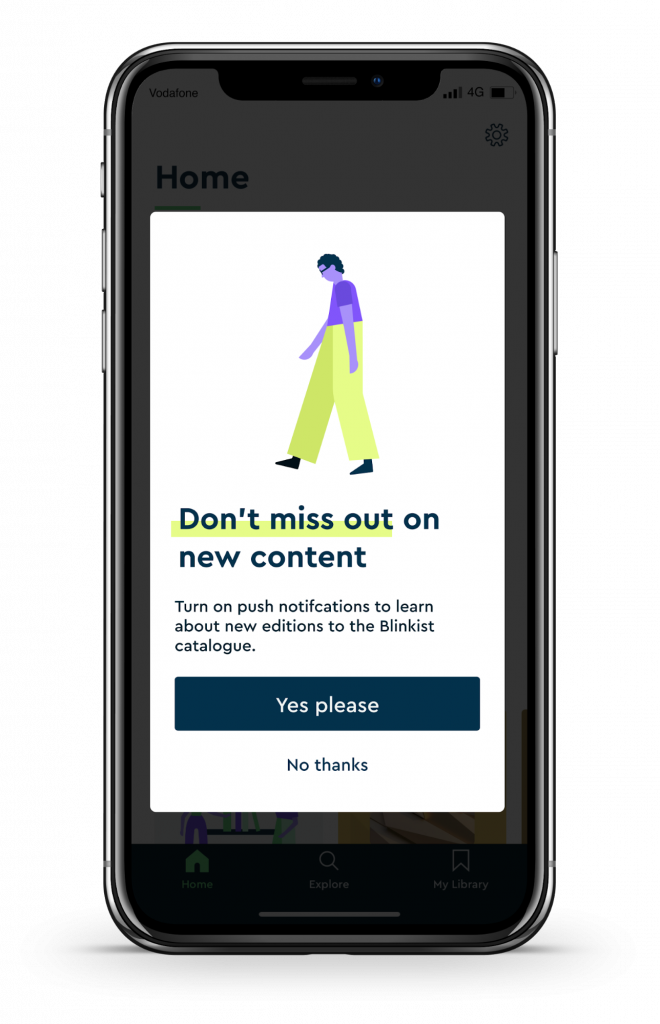
A pre-prompt lets you control the messaging before the system dialog appears. This is your chance to explain the benefits in plain language:
“Stay updated on the latest headlines — enable notifications.”
It’s a small but powerful step. Studies show pre-prompts can increase opt-ins by up to 30%, especially when paired with visual cues like icons or screenshots of notifications in action.
3. Offer Clear, Tangible Value

People are more likely to grant permission if they know what’s in it for them. Make your value proposition explicit:
“Get real-time alerts when stories break.”
“Never miss an update on your favorite teams.”
“Be first to know about limited-time offers.”
These examples tie notifications directly to user interests, transforming them from potential annoyances into useful tools.
4. Optimize Copy and Visual Design
The copy and design of the prompt influences trust. Keep your language friendly and concise. Avoid spammy phrasing like “Click Allow to win!” and instead focus on clarity and tone consistency.
Visual cues like icons,emojis, or contrasting buttons can make the ask more engaging without feeling pushy. Minimalist, easy-to-scan prompts perform best.
5. Segment Your Audience
Not all users have the same motivations. If you run a news app, let users choose their preferred category first offering valid options such as, politics, sports, entertainment before asking for permission. This sense of control increases both opt-in rate and long-term engagement.
6. Show Social Proof or Context
Adding subtle social proof (“Over 100K readers get our alerts”) or showing examples of what notifications look like helps reduce hesitation. It signals legitimacy and reinforces value.
7. Re-Engage Users Who Initially Decline
If a visitor or user dismisses the first prompt, remind them later, but do it politely. Use in-app messaging, email marketing, or banners inviting them to enable notifications through settings. Gentle reminders often convert a portion of previously hesitant users. In this case, it is essential to evoke user’s interest by explaining the benefits to them. You can also consider offering an incentive, for example-
“Enjoy a 10% discount on premium membership by enabling push notifications”
8. For Web: Respect Browser Limitations
Some browsers like Firefox, restrict how often you can prompt users. Use your own pre-prompts to educate and prepare them before triggering the native browser prompt.
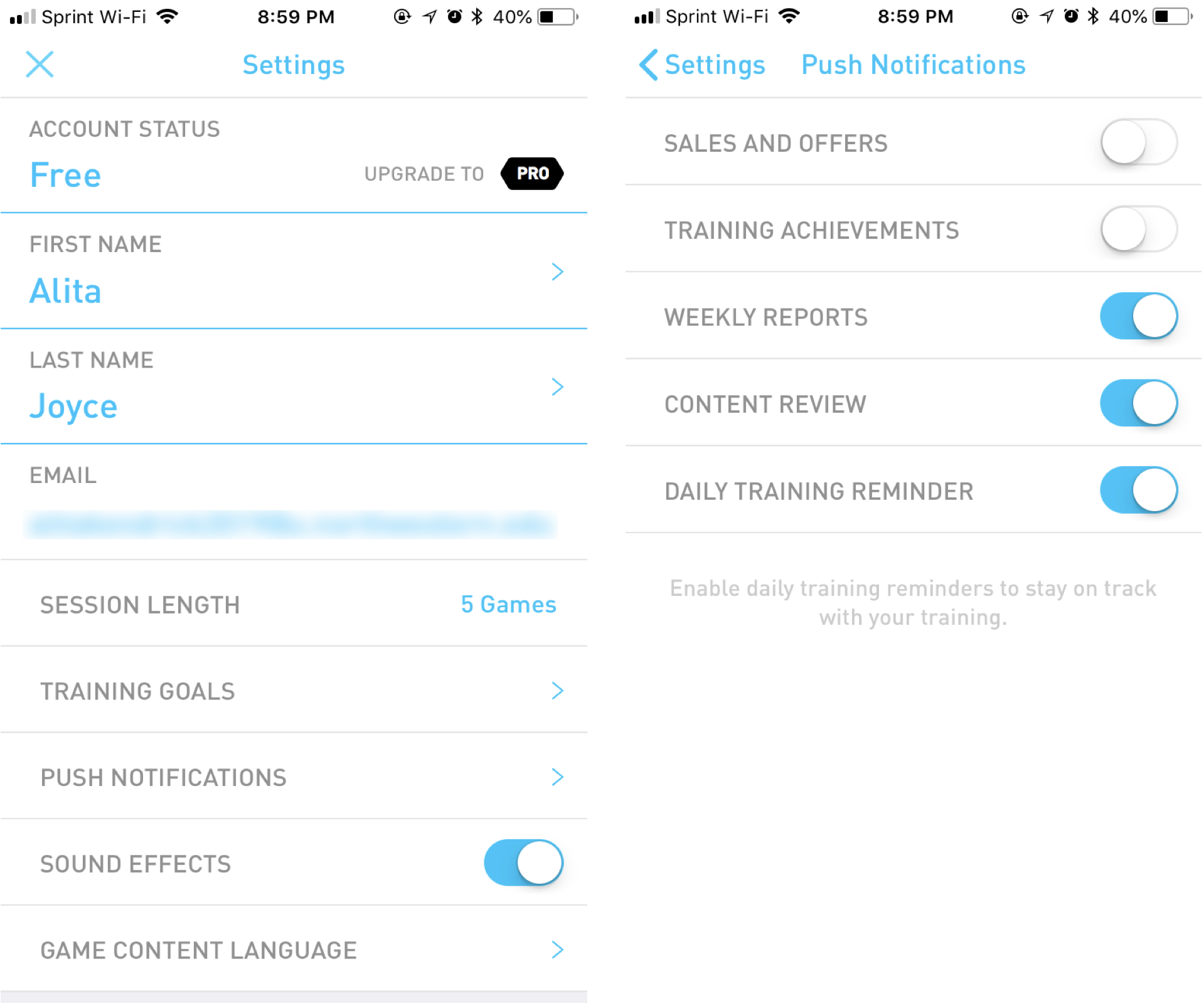
9. Let Users Customize Preferences
Combine push opt-in requests with in-app messages guiding users on how to manage notifications, show examples, and respond to preferences. You can give them an option to subscribe to a particular set of notifications. Some users might prefer subscribing just to offer related notifications while some may prefer to stick to content only.

10. For App: Set User Milestones
Send push permission prompts to users at certain milestones. For example, if they have opened the app thrice in a day, or engaged with a news article. These milestones confirm genuine interest and users are more likely to choose ‘Yes’ if they’ve just experienced a positive experience on your app.
Your push notification opt-in rate is the critical first step toward building a high-performing notification strategy. Without user permission, even the best-written push message never gets seen.
Once users subscribe, your next challenge is keeping them engaged, which is where optimizing your Click-Through Rate (CTR) comes in. Better CTR means more direct traffic, deeper user involvement, and higher monetization potential.
Want to build more traffic? You can monetize your push notifications and target users even when they are not present on your website. Push notification ads are less-intrusive, have high visibility and are typically shown to users who have opted in for push notifications, thus driving real engagement on your website/app.